
Films and series
Films and series come from the same playlist as your channels. An Xtream account hands them over as separate sections; an M3U playlist gets sorted by the address of each entry.
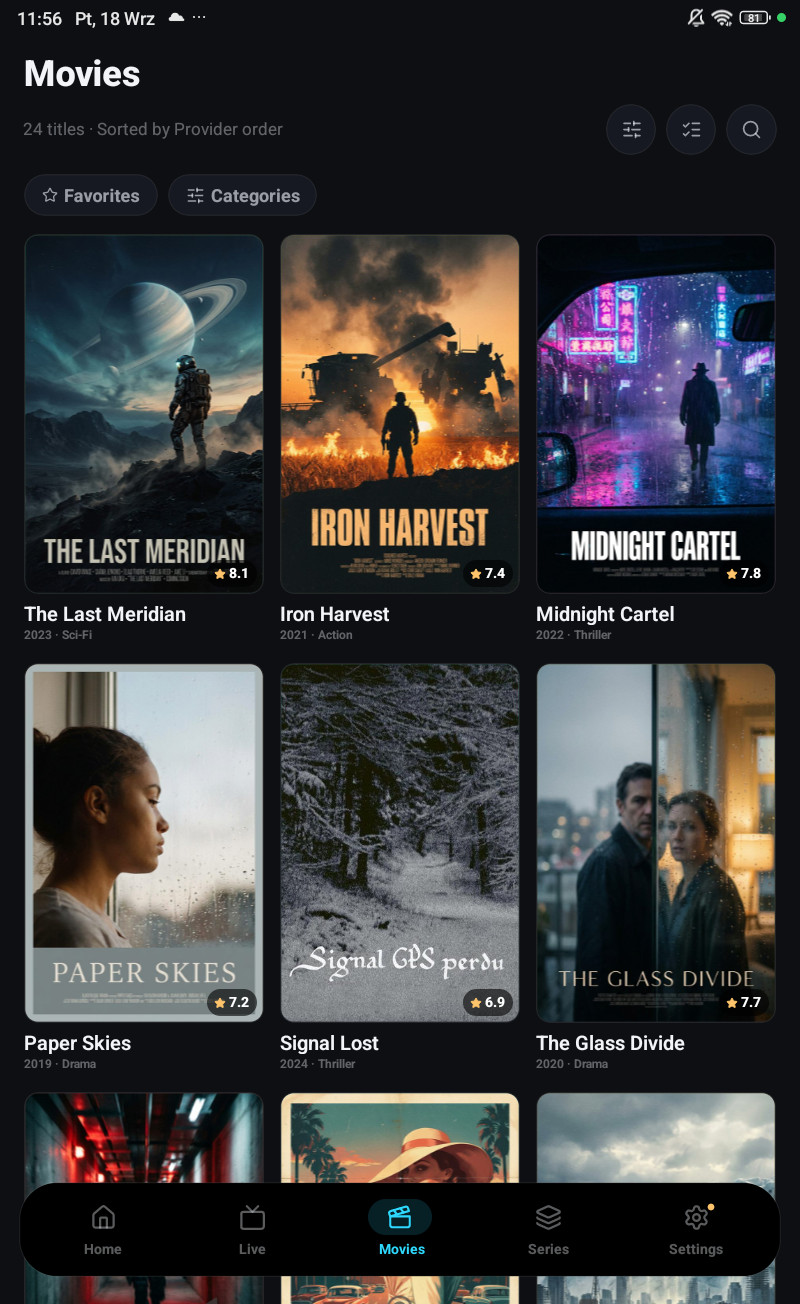
The card
Section titled “The card”Opening a title gives you the trailer, the cast, the facts and related titles, in one page on the phone and one panel on a television.
Most of what is on it, plot, cast, poster, backdrop, genres, rating, comes from TMDB on your own key. Without TMDB connected you still get the provider’s title, poster and stream; you just get less around it.
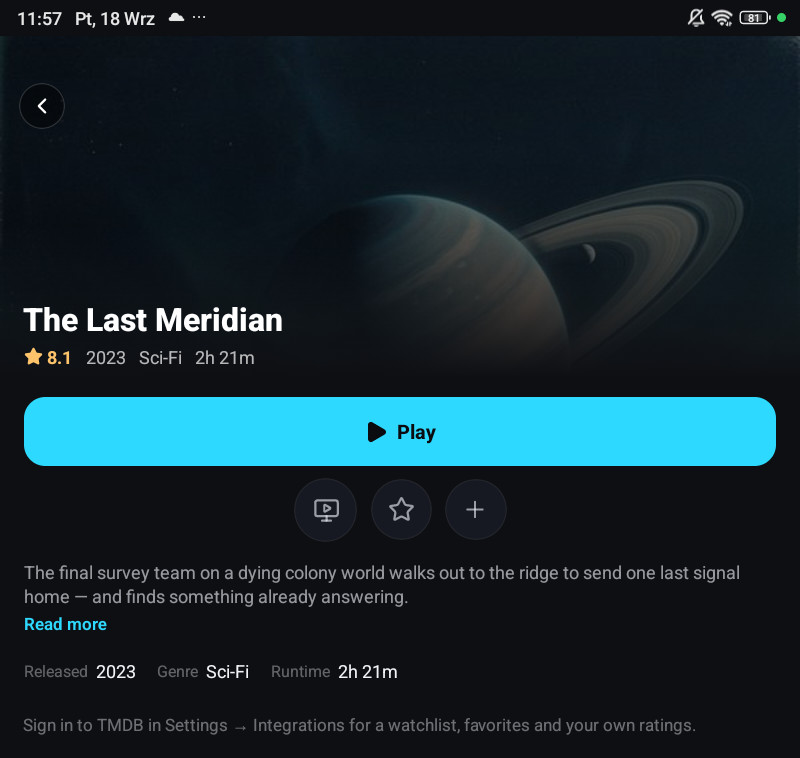
Series
Section titled “Series”Seasons and episodes are read from the provider. The card opens on a season, and the episode row carries its own state, watched, part-watched, downloaded, scheduled.
Autoplay next in Settings → Player starts the next episode when one finishes, with an Up next countdown you can stop.
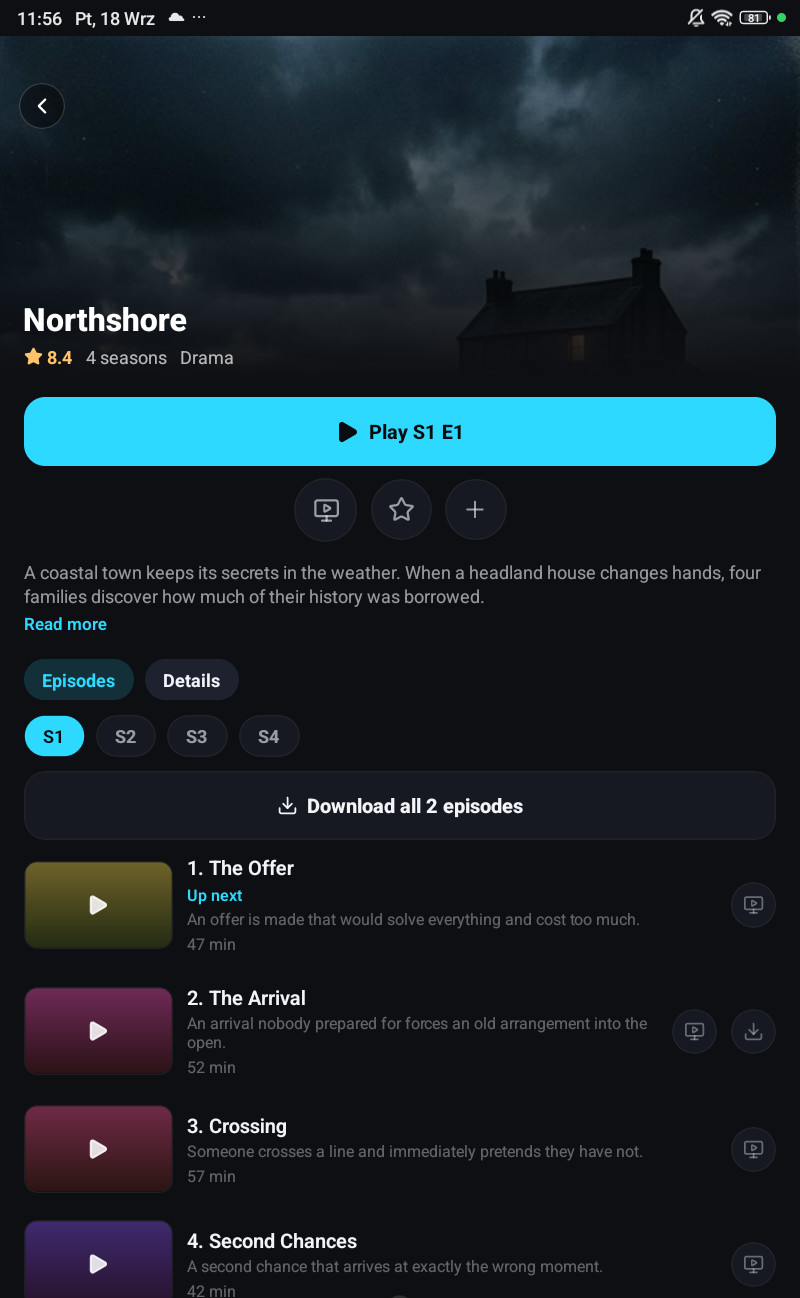
Continue watching
Section titled “Continue watching”Position is saved per profile and synced, so a film started on the phone resumes on the television at the same second. The home screen’s Continue watching row is built from that.
Holding a tile in that row offers to remove it.
Versions of a title
Section titled “Versions of a title”The same film often exists several times in one playlist, a different language, a different quality, a dub. The card has a Versions entry that lists them, up to eight, from the same playlist and the same type. With TMDB connected it also finds the copies filed under a different name, a translated title for example.
Picking one opens that version’s card; it does not start playing. Switching version in the middle of playback is deliberately not offered.
The tracks each version carries, the audio languages and subtitles inside the file, are read straight from the file’s own header, not from the provider’s metadata, which is usually a single line about the first stream and never mentions subtitles at all. That is why the list can say Polish, English for one version and 1 track for another.
More like this
Section titled “More like this”The related row is built from three things, in order of how much they prove:
- TMDB’s recommendations for this title, restricted to titles you actually have.
- TMDB Discover, same language and genres, from the last few years.
- Other titles in the same provider category.
Each title appears once, as the version in the language you are watching in, rather than six times over for six dubs. A title you only have in another language still shows up, unless you turn on Related titles in the same language only in Settings → Playlists.
It works without TMDB too, then it is the folder, ranked.