
Profiles, PINs and locked categories
One install, several people, and nothing shared that should not be.
What a profile holds
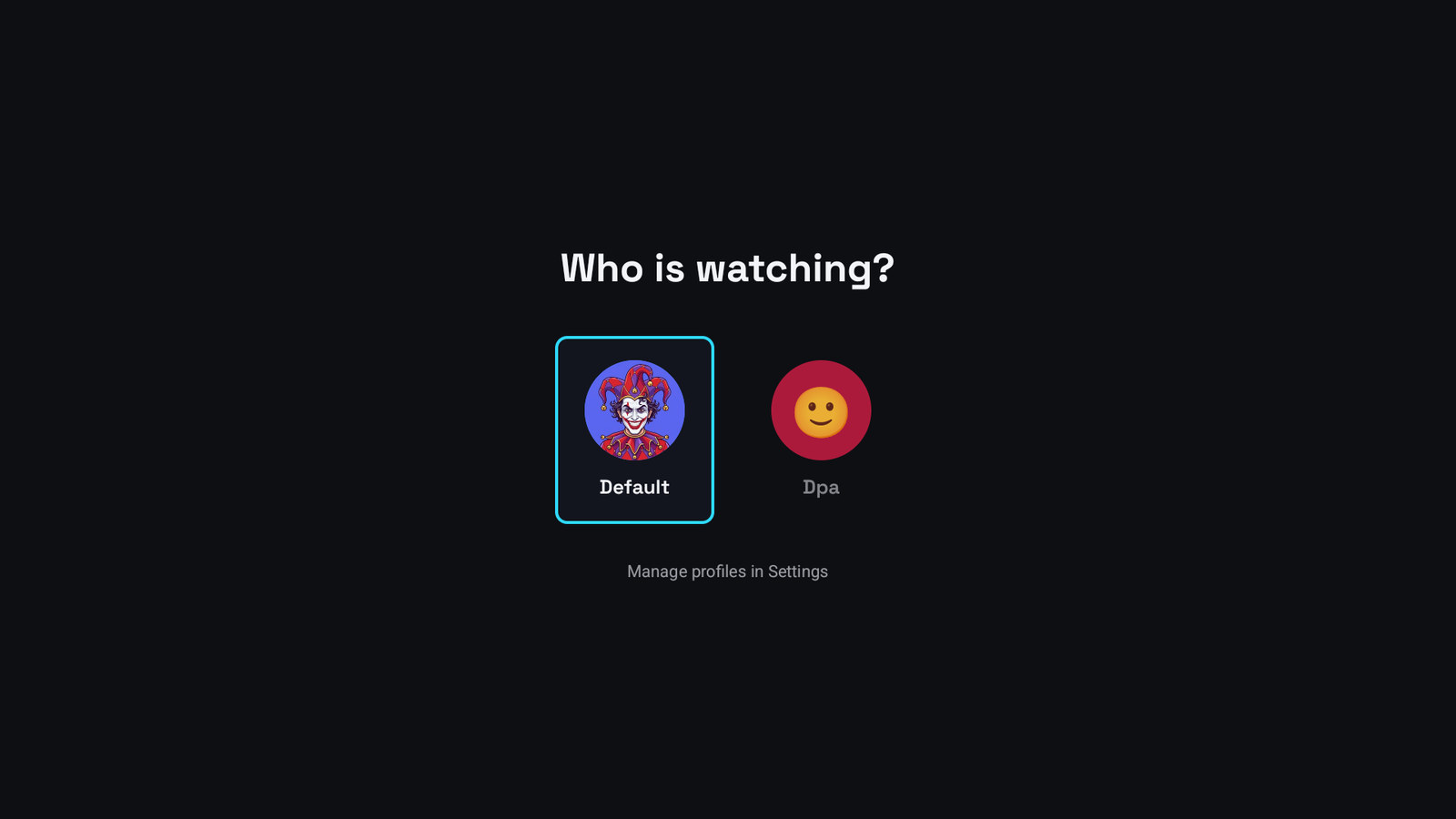
Section titled “What a profile holds”Its own favourites, history, watchlist, groups and playback position. Switching profile switches all of them at once.
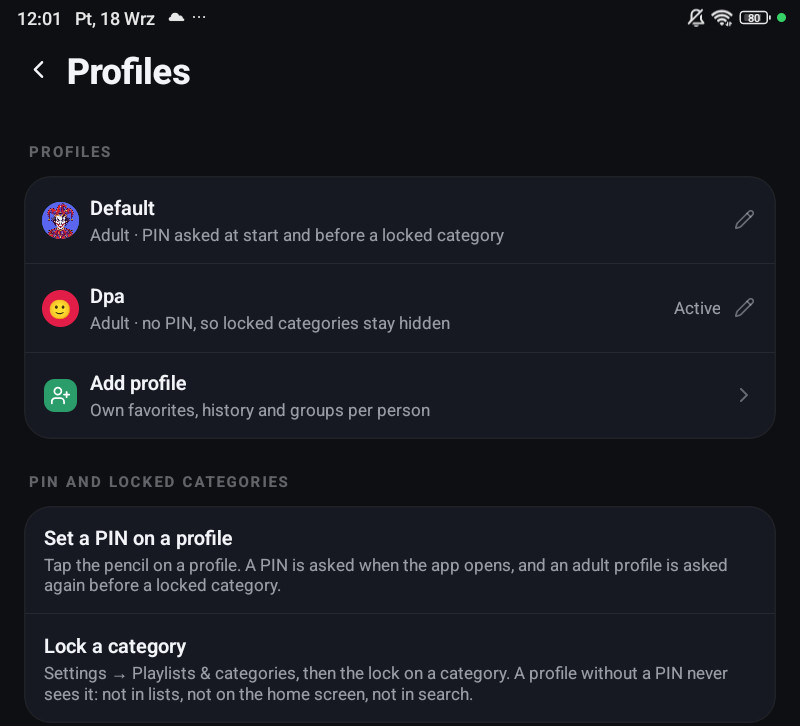
Settings → Profiles & PIN creates, renames and removes them, and the avatar can be a face.
A profile is either an Adult or a Kids profile. A Kids profile hides Settings entirely.
Setting it up for a family
Section titled “Setting it up for a family”- Create a profile for the child, of kind Kids.
- Set a PIN on your own profile.
- Lock the categories the child should not see: hold one in the category list → Lock.
A profile with no PIN never sees a locked category anywhere, not in the lists, not in search, not on the home screen, not through a reminder or a link. A Kids profile never has a PIN, so it can never see them.
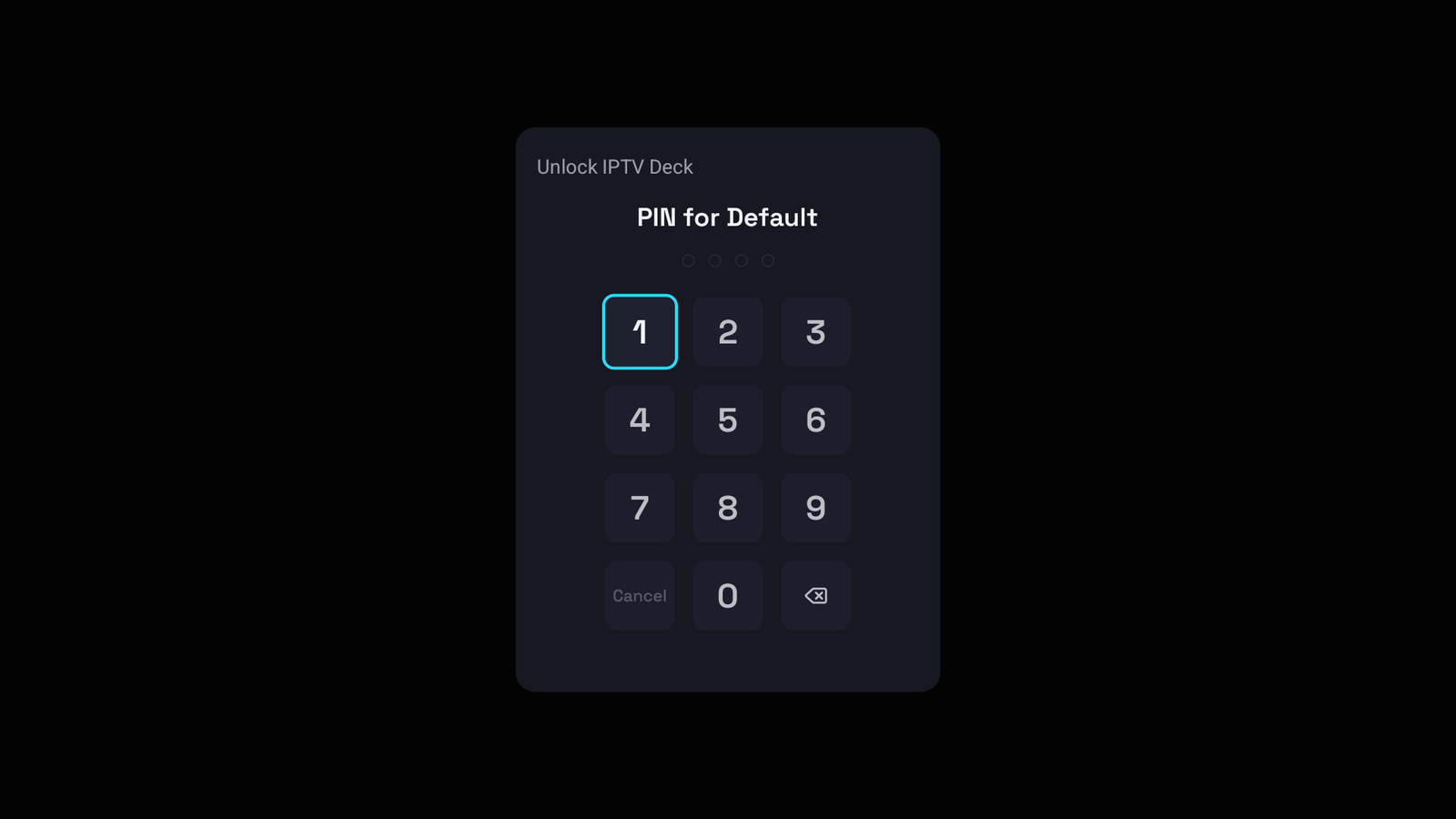
A profile with a PIN is asked for it when the app opens and again before a locked category.
Which playlists a profile can open
Section titled “Which playlists a profile can open”A profile can be held to a subset of your playlists: open it in Settings → Profiles & PIN and untick the rest.
That profile then cannot see those playlists anywhere, cannot switch to them, and a link or a reminder pointing at one of their channels does not open it. Changing the list asks for the parental PIN, like the profile’s own PIN does, and the choice follows your account to your other devices.
Leaving every playlist ticked means “all of them”, including playlists added later, so a playlist you add tomorrow does not quietly vanish from the profile that added it.
How far the lock reaches
Section titled “How far the lock reaches”Locked categories are filtered out before anything is drawn, rather than hidden by the screen showing them. That is why a locked category cannot leak through search, the home screen rows, continue-watching, a deep link or a reminder.
Unlocking with the PIN lasts for the session. It ends when the app goes to the background, when it starts, and when you switch profile.
Forgot the PIN
Section titled “Forgot the PIN”Forgot the PIN on the prompt proves you own the account (you sign in again) and then lets you set a new one. Changing a PIN normally requires the current one.
What travels
Section titled “What travels”Profiles, their PINs, their locked categories and their playlist access all follow your account to your other devices.